
🌐 Browser-Use
Open-Source Web Automation with LLMs


Let LLMs interact with websites naturally
Key Features • Live Demos • Quick Start • Examples • Models
🎥 Live Demos
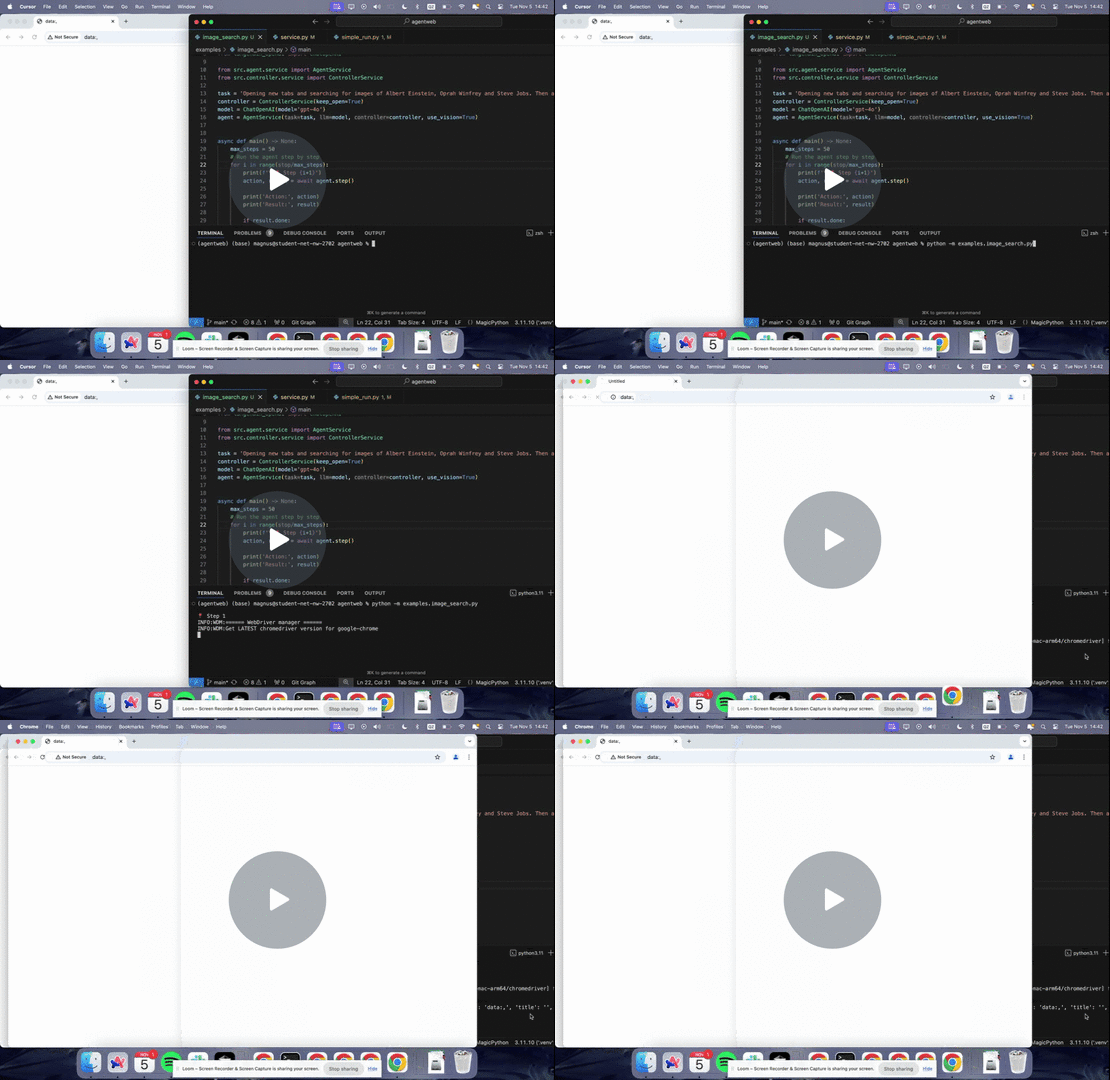
Watch Browser-Use tackle real-world tasks:
🚀 Key Features
- 🤖 Universal LLM Support - Works with any Language Model
- 🎯 Smart Element Detection - Automatically finds interactive elements
- 📑 Multi-Tab Management - Seamless handling of browser tabs
- 🔍 XPath Extraction - No more manual DevTools inspection
- 👁️ Vision Model Support - Process visual page information
- 🛠️ Customizable Actions - Add your own browser interactions
💻 Quick Start
Create a virtual environment:
uv venv
Then install the dependencies:
# Install with uv (recommended)
uv pip install -r requirements.txt
Add your API keys to the .env file.
cp .env.example .env
You can use any LLM model that is supported by LangChain by adding correct environment variables. Head over to the langchain models page to see all available models.
📝 Examples
from src import Agent
from langchain_openai import ChatOpenAI

# Initialize browser agent
agent = Agent(
	task='Find cheapest flight from London to Kyrgyzstan and return the url.',
	llm=ChatOpenAI(model='gpt-4o'),
)

# Let it work its magic
await agent.run()
Chain of Agents
You can persist the browser across multiple agents and chain them together.
from langchain_anthropic import ChatAnthropic
from src import Agent, Controller

# Persist the browser state across agents
controller = Controller()

# Initialize browser agent
agent1 = Agent(
	task='Open 5 VCs websites in the New York area.',
	llm=ChatAnthropic(model_name='claude-3-sonnet', timeout=25, stop=None, temperature=0.3),
	controller=controller,
)
agent2 = Agent(
	task='Give me the names of the founders of the companies in all tabs.',
	llm=ChatAnthropic(model_name='claude-3-sonnet', timeout=25, stop=None, temperature=0.3),
	controller=controller,
)

# Let it work its magic
await agent1.run()
founders, history = await agent2.run()

print(founders)
You can use the history to run the agents again deterministically.
Simple Run
You can run any of the examples using the command line interface:
python examples/try.py "Your query here" --provider [openai|anthropic]
Anthropic
You need to add ANTHROPIC_API_KEY to your environment variables. Example usage:
python examples/try.py "Find cheapest flight from London to Paris" --provider anthropic
OpenAI
You need to add OPENAI_API_KEY to your environment variables. Example usage:
python examples/try.py "Search for top AI companies" --provider openai
🤖 Supported Models
All LangChain chat models are supported.
Tested
- GPT-4o
- GPT-4o Mini
- Claude 3.5 Sonnet
- LLama 3.1 405B
🤝 Contributing
Contributions are welcome! Also feel free to open issues for any bugs or feature requests.
Made with ❤️ by the Browser-Use team
Future Roadmap
- Save agent actions and execute them deterministically (for QA testing etc)
- Pydantic forced output
- Third party SERP API for faster Google Search results